

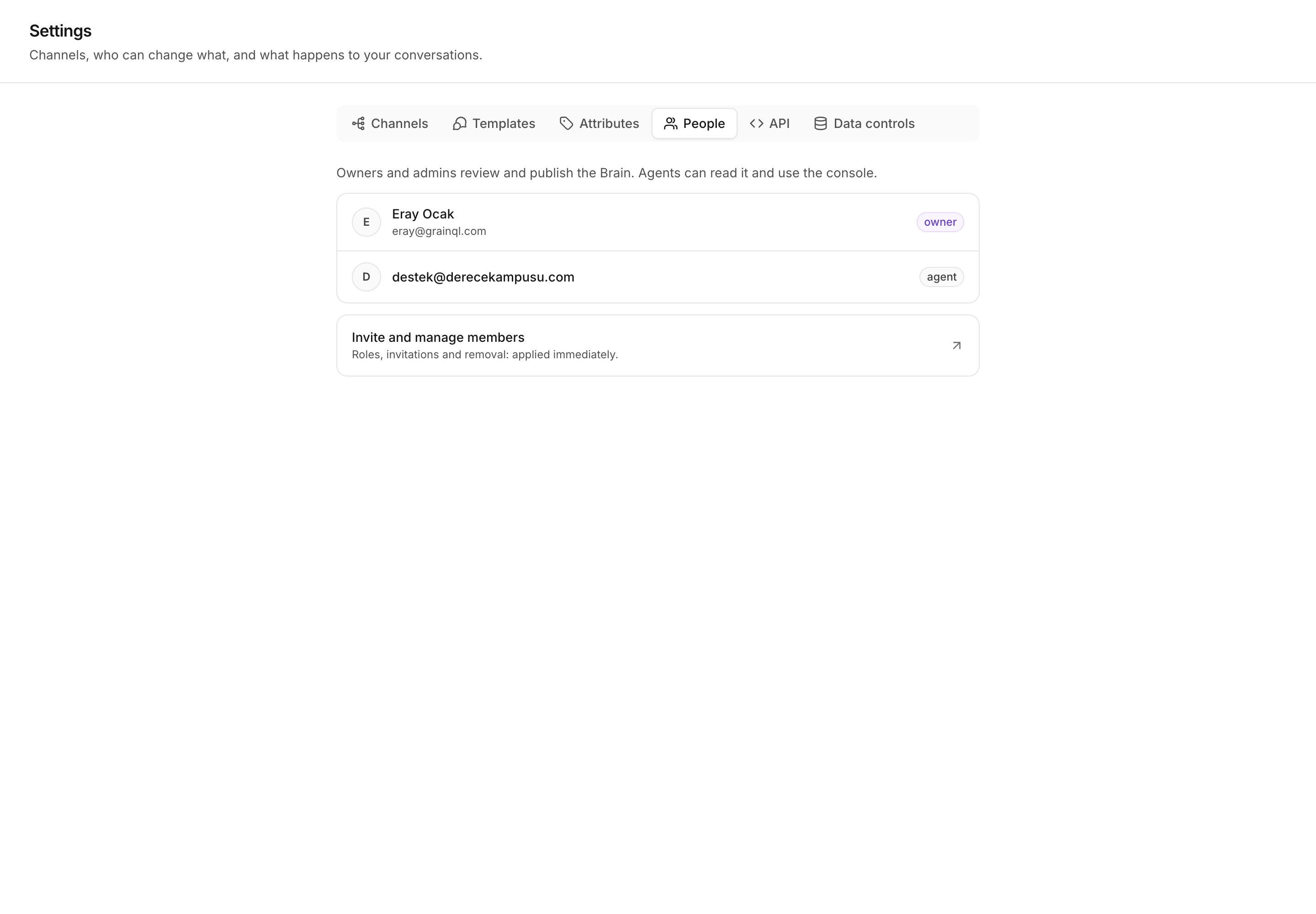
Settings, People: the roster, and what each role may do.
The three roles
Admin
Everything, including erasing raw uploads. The role that whoever created
the workspace holds.
Manager
Runs the workspace: the Brain, the channels and the console. Cannot erase
raw uploads.
Agent
Works the inbox and asks the Brain questions. Changes nothing Kai says.
What each role may do
A tick means the role holds the permission. A blank means it does not.
Inbox
An Agent sees Mine and Unassigned. An Admin or a Manager also sees
All and each teammate’s own view.
Console
Contacts
Editing a profile is the rep’s own job, because the rep is the one who learns
that a parent is the buyer. Deciding whose account a customer is routes work
between teammates, so it stays with a manager. See
Account owners.
Brain
Corpus
Channels
Activity
API
An API key holds its own permissions, and those are not this list. See
API keys.
Invite a teammate and set a role
Invitations, removal and role changes all happen in one place: your organization settings. On Settings → People, select Invite and manage members. Kai opens the same member list that the workspace switcher opens. There is one picker, so there is one place to change a role. Kai’s own People screen is read-only, and it adds the part the member list cannot show: what each role means inside Kai.A role change reaches the app when the session token refreshes. That is
under a minute, but it is not immediate. If a teammate still sees the old
screens, ask them to reload after a minute.
The navigation is a hint, the page is the gate
Kai hides a screen that your role cannot open, and sends you to the first screen you can open instead. That is a convenience, not the security rule. The real check runs on the page itself, and again on every action and every API route. A bookmark to a hidden page does not open it. Neither does a form that a browser kept on screen after a role changed.Next
Attributes, API keys and data controls
What the workspace stores, and who can erase it.
Channels
Connect Intercom or WhatsApp Cloud, and set a mode per source.