

Your queue
Open Inbox. The left pane is the conversation list. Everything on this page happens in that pane.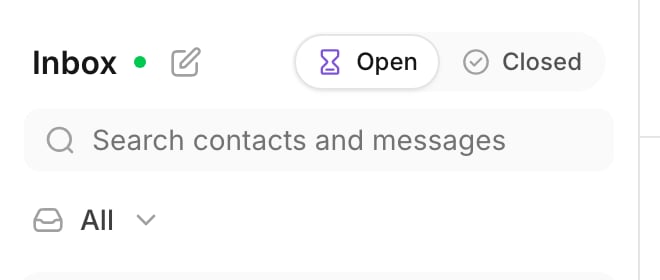
The list header: the open and closed segment, the search box, and the views button.
Open and closed
The segment at the top has two positions.- Open holds every conversation that still waits for somebody.
- Closed holds the conversations your team finished.
Views
Views is a menu under the search box. As an Agent you see two entries: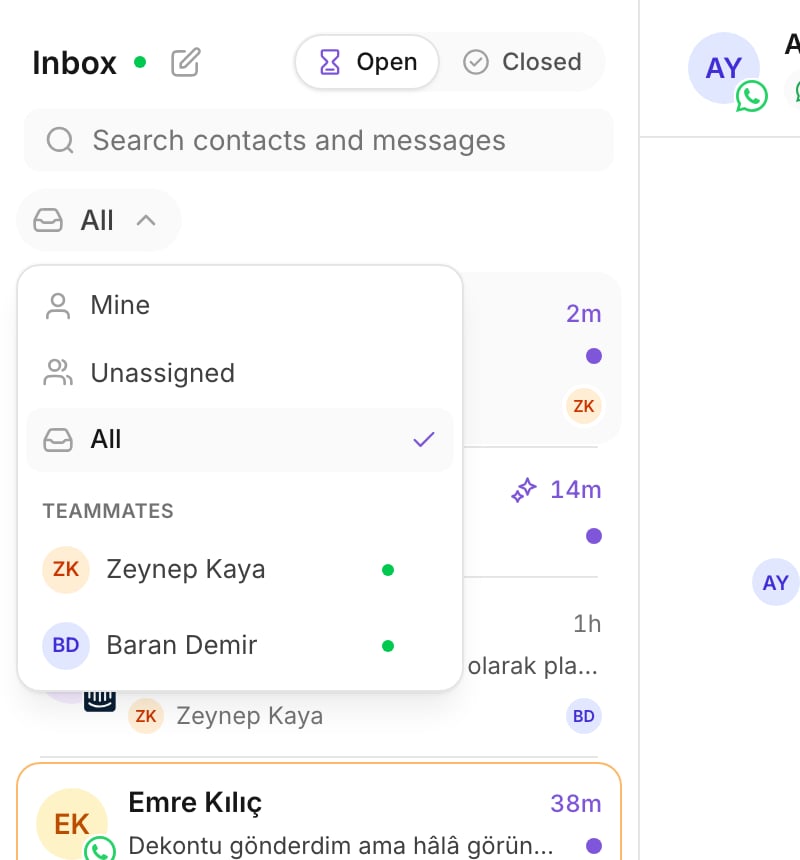
The views menu.
Unread is yours alone
Unread is counted for each person. A conversation is unread for you until you open it. Your unread rows are bold and carry a dot. A teammate who reads the same thread does not clear it for you. So an unread row is always work you have not seen, never work somebody else already saw.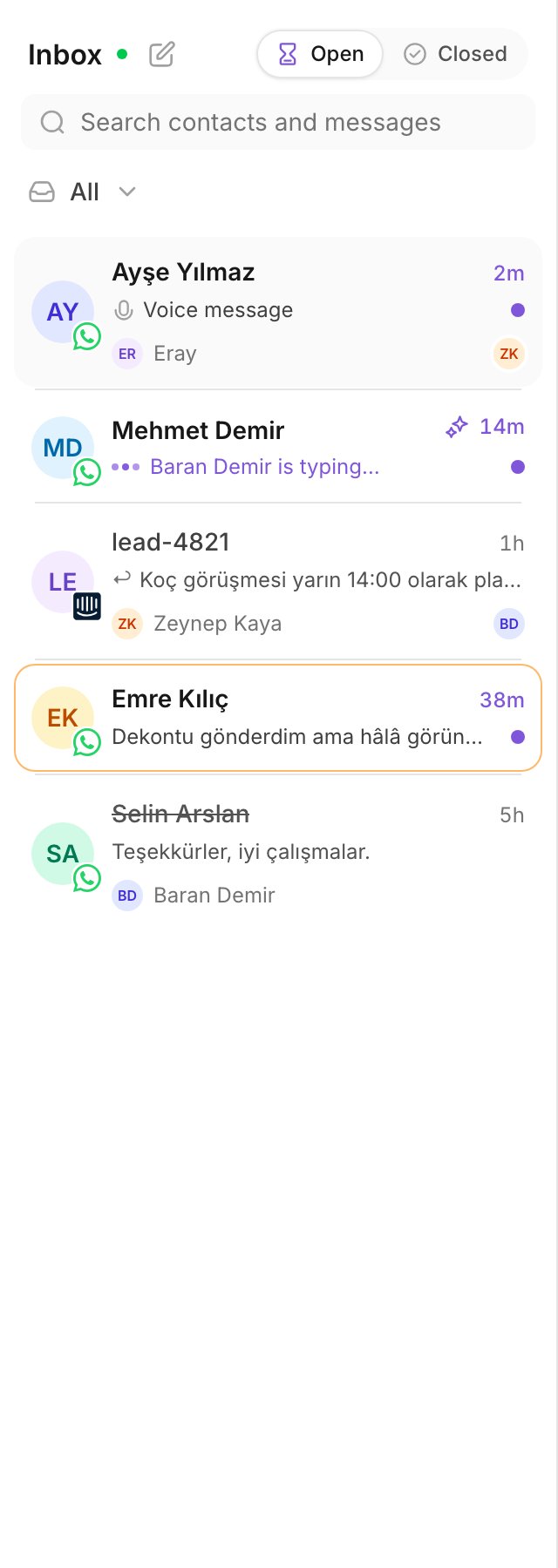
The conversation list. Unread rows are bold.
Search
Use the search box to find a customer by name. Type at least two characters. Search reads contacts and messages. Search is a mode, not a filter. The results ignore the view, and they ignore the open and closed segment. A customer you remember by name is often in neither of them. PressEscape to leave the search and return to your view.
Live and Reconnecting
The header shows Live when the connection to new traffic is up. It shows Reconnecting… when the connection drops. Reconnecting… is not a lost message. New messages still arrive after the connection comes back. If it stays that way for minutes, tell your manager.An order that works
Each morning, work the queue in this order:1
Mine, unread first
Open Views, select Mine. Answer your own unread rows. These are
customers who already wait for you.
2
Then Unassigned
Select Unassigned. These conversations have nobody. Some of them are
conversations Kai handed over. Take what you can answer.
3
Then Mine again, read rows
Go back to Mine. Read the threads with no unread dot and close the
ones that are finished.
Practice
- Open Views and switch between Mine and Unassigned. Count the rows in each.
- Select Closed, then Open again. Confirm that your unread rows are still bold.
- Type two letters of a customer’s name in the search box. Open a result, then
press
Escape.
Read next
Take and hand over a conversation
Take a conversation nobody holds, and give one to a teammate.